A passphrase password generator strings together several random, unrelated words instead of scrambling letters into something you can barely read back. The result holds up against modern cracking tools. It also stays easy enough to type from memory. If you have ever locked yourself out of an account after mistyping a fourteen character jumble three times, a passphrase password generator solves that exact problem.
This guide covers how these tools work and when a passphrase beats a traditional random string. You will also see where a passphrase falls short. Along the way there is a comparison table, a short step by step process, and answers to the questions people ask most about passphrases.
What a Passphrase Password Generator Actually Does
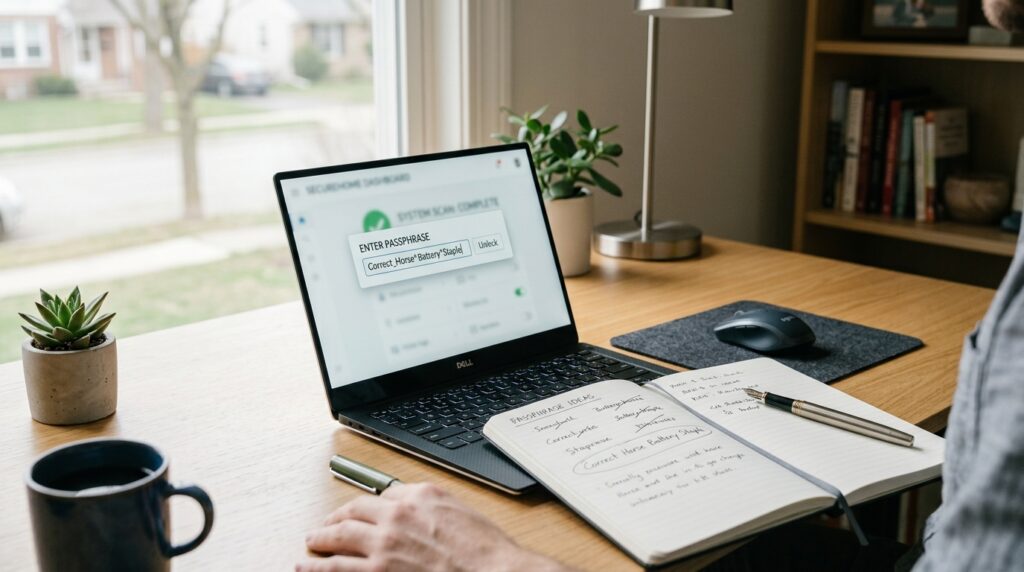
A passphrase password generator pulls several words at random from a large word list, sometimes thousands of entries long. It then joins them with a separator such as a hyphen, a space, or a number. The Diceware method is a well known example of this approach. The idea also inspired a popular xkcd comic that compared a four word passphrase against a short, complex looking password. That comic made a simple point: length beats complexity once you account for how computers actually guess passwords.
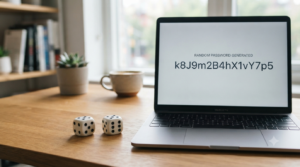
A result might look like lantern-couch-window-seven rather than Xk9$mQ2v. Both strings resist casual guessing. However, the passphrase is something you can recall after your third cup of coffee. That said, passphrases carry real tradeoffs. Some login forms cap the character count or block spaces entirely. You will occasionally need to reformat the output before a site accepts it. A passphrase also takes longer to type on a phone keyboard, even though it is easier to remember overall. If you want a closer look at how generated passwords get scored for strength before you commit to one, see Is a 12 Character Password Actually Long Enough Today.
Passphrase Password Generator vs Traditional Random Password Generator
Both tools solve the same underlying problem, yet they solve it differently. The table below breaks down where each option performs better, based on how people actually use them day to day.
| Factor | Passphrase Password Generator | Character Based Password Generator |
|---|---|---|
| Ease of memory | Strong, especially past four words | Weak beyond eight characters |
| Typing accuracy on mobile | Higher, fewer symbol errors | Lower, symbols cause frequent retypes |
| Resistance to brute force | High when word count and randomness are sufficient | High by default, since length and character variety are built in |
| Compatibility with strict site rules | Sometimes blocked by length caps or space restrictions | Almost always accepted |
| Ease of reading aloud or dictating | Much easier | Frustrating, especially over the phone |
When a Character String Still Makes Sense
Short, high security fields such as PINs or device unlock codes still favor a traditional character based string. This also applies to systems with strict character limits. When a site rejects spaces and caps input at sixteen characters, a dense mix of letters, numbers, and symbols packs more randomness into less room.
When a Passphrase Makes Sense
A passphrase earns its keep anywhere you type the same credential often or read it aloud to a colleague. This includes a master password for a password manager or a shared device login. Since you will type it repeatedly, accuracy and recall matter as much as raw strength.
How to Build a Passphrase That Actually Holds Up
Building a strong passphrase takes more than stringing together the first four words that come to mind. Follow these steps to get a result that resists guessing rather than one that only feels secure.
- Choose at least four to six words rather than two or three, since word count drives most of the strength.
- Let the generator pick the words for you instead of choosing familiar ones yourself, because predictable choices undercut randomness.
- Add a separator, a number, or a symbol between words so the string is not one continuous block of letters.
- Check the total length against the site’s minimum and maximum. Adjust the word count if the field rejects spaces or hyphens.
- Store the result in a password manager anyway. Even a memorable passphrase should not be the only copy you have.
None of these steps takes more than a minute once you get used to the process. After the first attempt, generating a new passphrase becomes routine rather than a chore you put off. If you are still deciding which free tool to trust before generating anything at all, Why Some Free Password Generators Are Safer Than Others covers exactly what to check.
Where a Passphrase Password Generator Helps in Real Life
A small business owner managing a shared password manager account benefits the most from a passphrase. That single master credential gets typed every morning, often under time pressure before the first meeting of the day. It also needs to survive being written down as little as possible. A student sharing a family computer runs into a different problem. Symbol heavy passwords generate typing errors and lockouts during exam season, right when patience is already thin. A passphrase removes most of that friction, since words are simply faster to type correctly than symbol clusters.
IT professionals managing a small team see a related benefit. Fewer help desk tickets show up for forgotten passwords once a team switches to passphrases. The format is easier to communicate during a phone call or a shift change handoff. Onboarding also gets simpler, since new hires can write down a passphrase accurately on the first try instead of guessing at a mix of symbols. Still, none of this means passphrases replace good judgment. A weak four word passphrase built from a movie title stays weak, regardless of format.
Common Mistakes That Weaken a Passphrase
A passphrase generator removes some guesswork, but people still find ways to undercut their own security. The mistakes below show up often enough to call out directly, since each one quietly erases the strength a passphrase is supposed to provide. Most of them come from habit rather than carelessness, which is exactly why they are easy to miss.
- Using a famous quote, song lyric, or movie line, since these already sit in cracking dictionaries built from public text.
- Picking only two or three words, which cuts the available combinations dramatically compared to four or more.
- Skipping separators entirely, which turns four words into one long string that pattern matching tools can still chip away at.
- Reusing the same passphrase across several accounts, so a single data breach exposes every account tied to it.
- Assuming a strong passphrase removes the need for two factor authentication, when the two protections address different risks entirely.
Passphrase Entropy and Why Word Count Beats Symbol Rules
Entropy measures how many guesses an attacker needs before landing on your exact password. It rewards length far more than it rewards symbol variety. A six word passphrase drawn from a large word list produces more entropy than an eight character string built from mixed case letters and symbols. Each additional word multiplies the possible combinations rather than adding to them.
This is also the direction that official guidance has moved. According to the NIST digital identity guidelines, length matters more than forced complexity rules. Organizations are now advised to allow long passphrases rather than mandate arbitrary symbol requirements. That shift did not happen by accident. Complexity rules pushed people toward predictable patterns, such as swapping a letter for a number at the end of a familiar word, and attackers learned to expect exactly that pattern. A random word list avoids this problem entirely, since there is no familiar word to swap a letter into in the first place.
Frequently Asked Questions
Is a passphrase password generator safer than a regular password generator?
Neither option is inherently safer on its own, since both depend on length and randomness. A passphrase password generator tends to produce credentials people actually remember and type correctly. That lowers the odds of a weak fallback password showing up later out of frustration.
How many words should a passphrase have?
Four to six words drawn from a large, random word list is a reasonable target for most personal accounts. Fewer words leave the passphrase vulnerable to guessing. Additional words mainly help for highly sensitive accounts, such as a password manager’s master credential.
Can I use a passphrase for every account?
You can, as long as each account gets its own unique passphrase rather than a reused one. A password manager can store dozens of unique passphrases or character based passwords. There is no need to memorize more than one or two yourself.
What if a website will not accept spaces in a passphrase?
Swap the spaces for hyphens, underscores, or a random number, which most sites accept without issue. If a site still rejects the format, a character based password remains the more reliable option for that account.
Should I still use a password manager if I use passphrases?
Yes, since memorizing even one passphrase for daily use is reasonable, but memorizing dozens invites shortcuts like reuse. A password manager handles the rest so you are not tempted to fall back on a weaker, easier to recall pattern.
Does a longer passphrase always beat a shorter password with symbols?
Generally yes, once the passphrase reaches four or more truly random words, since word count adds more combinations than a handful of extra symbols. A short passphrase built from two predictable words, however, can still lose to a well built eight character random string.
Can hackers guess passphrases faster than random passwords?
Attackers guess faster when a passphrase relies on common phrases or predictable word pairings pulled from public sources. A passphrase built from truly random, unrelated words avoids that shortcut. It then holds up as well as a character based password of similar strength.
Put a Passphrase to Work Today
A passphrase will not fix every password habit overnight, but it removes the excuse that strong passwords are too hard to remember. Start with your password manager’s master credential, since that single passphrase protects everything else stored behind it. From there, generate a fresh passphrase for any account that still uses something you typed from memory months ago. Small accounts deserve the same attention as your most sensitive ones, since attackers rarely announce which target they picked first. A few minutes spent today can save you a much longer cleanup later, after a breach notice lands in your inbox.
You can build one right now using this password generator, then drop the result straight into your password manager. For more on choosing between formats, revisit Is a 12 Character Password Actually Long Enough Today above, or start with your team’s master credentials first if that is where the risk is highest. Either way, the next password you generate can be one you actually remember.