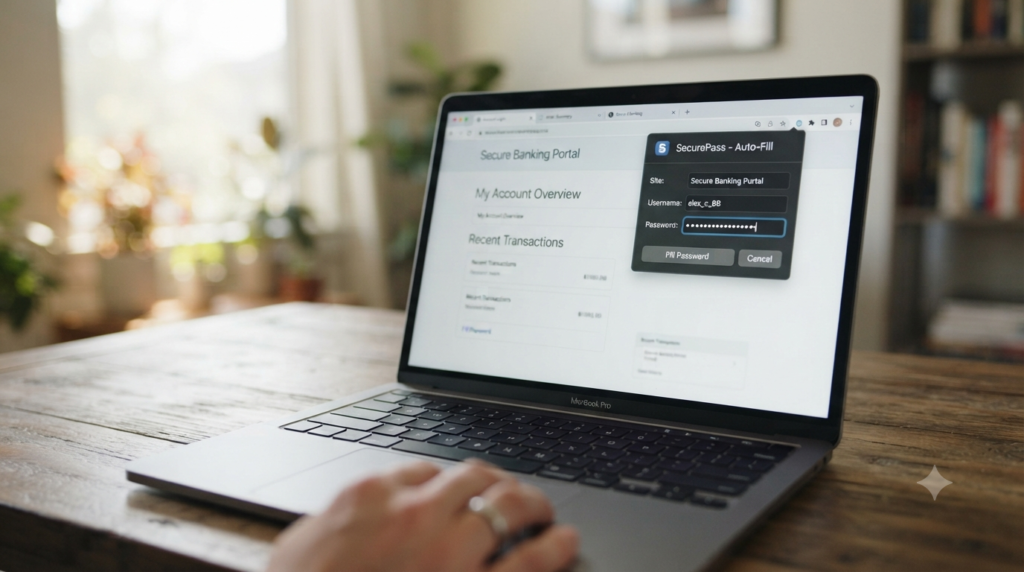
The LastPass password generator creates random passwords directly inside the LastPass browser extension or app. It uses adjustable length and character settings, similar to most password manager tools. The feature works well once you are already inside the LastPass ecosystem. However, it helps to understand both what it does well and where a standalone generator still makes more sense, especially given LastPass’s own security history.
This guide walks through what the LastPass password generator actually offers and how it compares to a free standalone tool. It also covers what LastPass’s 2022 security incidents mean for anyone deciding where to generate and store a password today. Because that decision affects every account tied to the vault, it is worth more than a quick glance before you commit.
What the LastPass Password Generator Actually Offers
Once you install the LastPass extension or open the app, the generator sits behind a small icon inside any password field. It lets you set a target length and toggle uppercase and lowercase letters. You can also include numbers or symbols, or switch to a pronounceable format instead. A pronounceable result trades some randomness for a string that is easier to read aloud. The mobile app carries the same generator, so the experience stays consistent whether you are signing up for something on a laptop or on your phone.
The generated password saves directly into your LastPass vault once you accept it. You rarely need to copy and paste manually, since the extension handles that step for you. Because the tool lives inside the same extension you already use for autofill, the whole process takes just a few seconds while you are logged in. The tradeoff is real, though. You need an active LastPass account and an installed extension before you can generate anything at all, which rules out a quick, no commitment password on someone else’s device.
LastPass Password Generator vs a Standalone Free Generator
Both tools produce a random password. However, they differ in where that password lives afterward and what you need before you can even start. The table below lays out those differences directly.
| Factor | LastPass Password Generator | Standalone Free Generator |
|---|---|---|
| Account required | Yes, an active LastPass account | No, works instantly in any browser |
| Automatic saving | Yes, saves straight to your vault | No, you copy and store it yourself |
| Customization | Good, includes a pronounceable option | Good, includes passphrase and character modes |
| Works without installing anything | No, requires the extension or app | Yes |
| Tied to one vendor’s infrastructure | Yes | No |
Where LastPass Has the Edge
If you already pay for LastPass and rely on it daily, the built in generator saves a genuine step. You never leave the login form. The new password lands in your vault automatically, without an extra copy and paste.
Where a Standalone Tool Has the Edge
A standalone password generator works whether or not you use LastPass at all. It also works during the exact moment you are deciding whether to trust a password manager in the first place. You do not need to commit to installing anything before you get a usable result.
The LastPass Security Incidents and What They Mean for You
LastPass disclosed a security incident in August 2022 involving stolen source code and technical information. A second incident followed in December 2022, and it was more serious. Attackers used data from the first breach to access a cloud storage backup containing encrypted customer vault data. The company stated that the vaults remained encrypted, so the practical risk depended heavily on how strong each user’s master password was.
This history does not mean the password generator itself was compromised. Generating a password and storing one are different functions entirely. It does mean, however, that anything stored inside a LastPass vault is only as safe as the master password protecting it and the company’s ongoing security practices. If you generate a password with LastPass and then store it in that same vault, you are trusting one company with both jobs at once. Some people are comfortable with that arrangement, especially if their master password is long and unique. Others prefer to keep generation and storage separate, or to choose a different manager for storage while still generating passwords with an independent tool.
How to Use the LastPass Password Generator
If you already use LastPass, generating a password takes only a few steps inside any signup or password change form. The process is quick once you know where to look.
- Click into the password field on the site where you are creating or changing a password.
- Select the LastPass icon that appears inside the field.
- Choose “Generate Password” and adjust the length and character options as needed.
- Accept the suggestion so LastPass saves it directly to your vault.
- Confirm the password on the site, since some forms reject certain symbols LastPass includes by default.
The whole sequence usually takes less time than typing a memorized password would, once the extension is installed and signed in. If the generated password does not appear automatically, refreshing the page or clicking directly into the field again usually solves it, since the icon sometimes takes a moment to load on slower connections. This small delay is one of the few genuine downsides of relying on a browser extension instead of a page that loads the tool directly.
When to Use LastPass’s Generator vs a Free Standalone Tool
Someone already paying for LastPass and satisfied with the service has little reason to switch tools just for generation. The built in option is fast and saves automatically, so it fits neatly into an existing routine. A person still comparing password managers, however, gains more from a standalone generator. It does not require picking a vendor first, which matters if you are not ready to commit.
A small business evaluating options for a team faces a similar choice. Using a standalone generator during the evaluation period keeps every account’s credentials independent of whichever manager the business eventually picks. That way, switching vendors later does not mean redoing every password from scratch, since the credentials were never tied to one vendor to begin with. A freelancer testing several managers before committing to a subscription runs into the exact same situation, and the same logic applies regardless of the size of the team involved.
Frequently Asked Questions
Is the LastPass password generator safe to use?
The generator itself creates random passwords using standard methods common across password managers. The bigger question is where that password ends up stored afterward, since LastPass’s 2022 incidents involved vault storage rather than the generation feature. Because of that distinction, the generator itself is not the part most worth worrying about.
Do I need a LastPass account to use its password generator?
Yes, the generator only appears inside the LastPass browser extension or app, which requires an account to install and use. A standalone free generator works without any account at all.
Can I use the LastPass generator without saving the password to my vault?
You can copy the generated password and decline to save it, though the interface is built around saving by default. Most people who want full separation between generation and storage use an independent tool instead, since that avoids the save prompt altogether.
How does the LastPass generator compare to a browser’s built in generator?
Both work in a similar way and save passwords automatically. The main difference is which company holds your saved passwords afterward, since that choice matters more than which tool created the password originally.
Should the 2022 LastPass breach change how I use the service?
That is a personal call, but it is worth using a strong, unique master password regardless of your decision. Checking the Have I Been Pwned database for any of your accounts takes only a few seconds and is worth doing periodically, since new breaches surface often.
Is a standalone password generator better than LastPass’s built in one?
Neither is inherently better, since both create random passwords using similar methods. The real difference comes down to whether you want generation tied to one vendor’s ecosystem or kept independent of it.
Generate Your Next Password Independently
The LastPass password generator works well if you are already committed to the service. However, it ties your next password to that one vendor from the moment it is created. Keeping generation separate from storage gives you more flexibility. This matters most while you are still deciding which password manager, if any, fits your situation. A tool that does not require a vendor commitment lets you delay that decision without leaving accounts unprotected in the meantime. Neither approach is wrong, but knowing the tradeoff up front beats discovering it later, after a vendor change forces a full password reset across every account.
Try this password generator now to create a password with no account required, then store it wherever you choose. For more on judging free tools before you trust one, see Why Some Free Password Generators Are Safer Than Others. If you would rather generate a passphrase instead of a character string, The Passphrase Trick That Makes Passwords Easy to Recall covers that option in detail.