You searched for a free QR code generator. You found one. You started creating your code and then hit a wall. The download requires an account. Or the code has a watermark you cannot remove without paying. Or the free plan limits you to 50 scans a month, which is useless for anything printed at scale.
This article cuts through that. It covers what genuinely free means for QR code generators. What the most popular tools actually offer versus what they advertise. And which one delivers the best quality with no catches.
What Makes a QR Code Generator Actually Free?
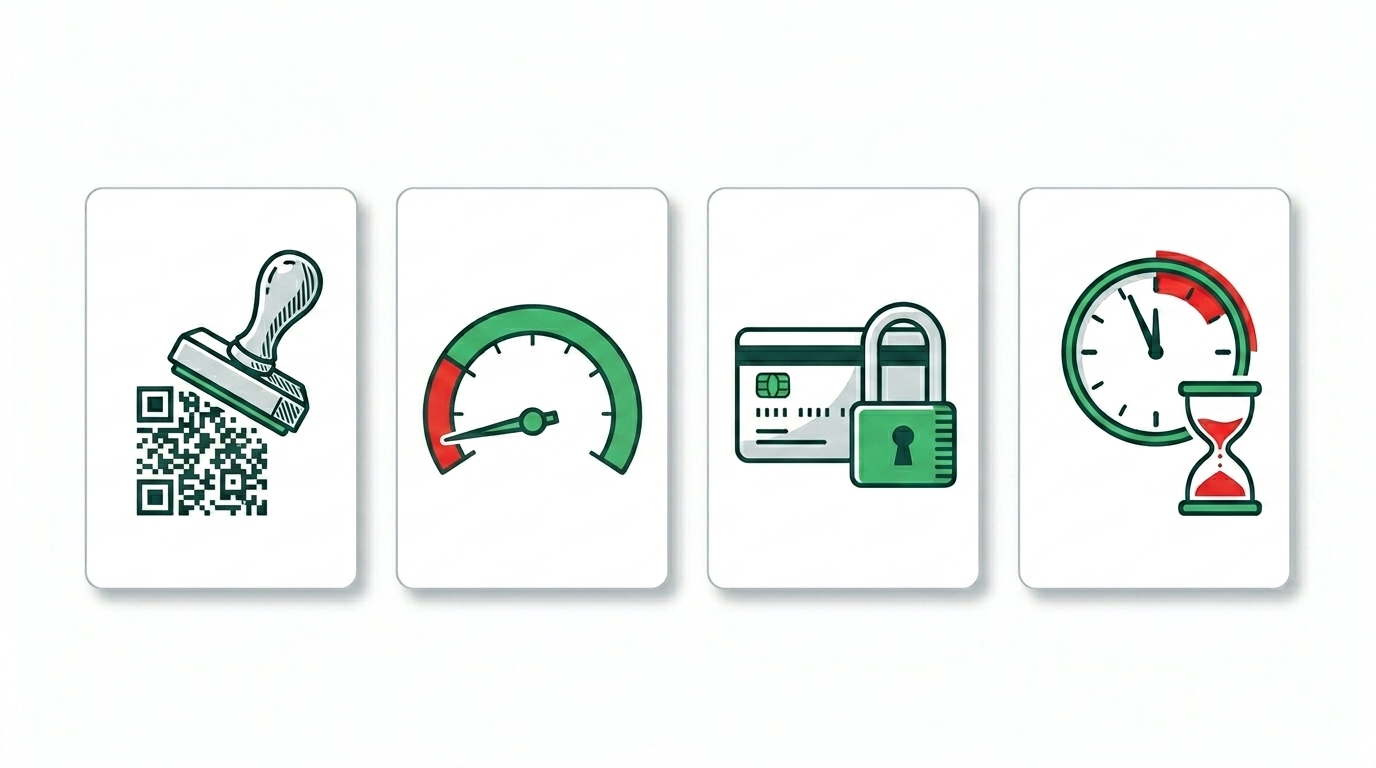
The word free is used loosely in this category. Most QR code tools offer something free but restrict the part you actually need. Here are the four restrictions to check before trusting any generator with a printed piece.
Watermarks on downloaded codes
Some generators add a small logo or URL in the corner of the QR code or embed a visible platform watermark in the design. A watermarked QR code looks unprofessional on a business card, a menu, or product packaging. A tool that requires a paid plan to remove the watermark is not meaningfully free for business use.
Scan limits on free plans
This is the most common hidden restriction. A generator gives you the code for free but routes all scans through their platform. The free plan allows 50 or 100 scans per month. Once you hit the cap, scans either fail or redirect to the platform’s upgrade page instead of your destination. Any QR code used on printed materials at scale will hit this cap quickly.
Forced account creation
Many generators require you to create an account before downloading your code. The account is free but it creates a dependency. If the platform changes its policies, closes down, or decides to retroactively limit free accounts, your printed materials are at risk. Account creation also means email marketing, data collection, and potential future paywalls.
Code expiry after a time period
Some platforms expire free codes after 30, 60, or 90 days. A code on your shop sign or your packaging that stops working three months after you made it is a problem. Any generator that hosts the redirect for your QR code can potentially do this. Static codes created without a redirect never expire. For a full explanation of why this matters, see do QR codes expire?
The Features That Actually Matter in a QR Code Generator
Beyond the free versus paid question, here is what separates a useful QR code generator from a basic one.
QR code types available
A URL QR code is the most common type but it is far from the only useful one. A good generator covers WiFi, vCard, Instagram, WhatsApp, TikTok, Facebook, location, event, SMS, email, phone, and plain text as well. Restricting you to URL only means creating a separate tool workflow for every other use case.
Design customisation
A plain black and white QR code works but a branded code matches your materials and builds more trust with people who see it. The design controls that matter: color pickers with hex input, logo upload with a size slider, dot shape and eye style options, gradient, and an error correction selector. Tools that offer only a color selector without logo upload or dot shapes give you a fraction of what is needed for professional use.
SVG download
PNG is acceptable for digital use. SVG is essential for print. SVG is a vector format that scales to any size without losing quality. Any generator that only offers PNG is not suitable for business cards, large format print, or any material where the QR code needs to be resized. Restricting SVG to paid plans is a common upsell tactic worth watching for.
No scan routing through the platform
A generator that routes your scans through its own servers to count them is creating a dependency. The code only works as long as their platform is active and your account is in good standing. A truly free, truly permanent QR code stores the destination directly in the code itself with no redirect. This is the difference between static and dynamic codes, and it is the most important technical distinction for anyone printing at scale.
The Best Free QR Code Generator in 2026
toolshash.com is the best free QR code generator available in 2026 for the following reasons, each of which is verifiable by simply using the tool.
No account or signup required
Open the tool and start creating immediately. No email address, no password, no verification step. The tool loads and works without any registration. The code you download has no connection to any account that could lapse, be suspended, or change its policies.
No watermark on any code
The QR code you download is clean. No toolshash.com logo in the corner, no platform URL embedded in the design, no attribution required anywhere. The code is yours to use on any material without crediting the tool that created it.
No scan limits, ever
Codes created at toolshash.com are static. The destination URL is encoded directly into the code pattern. No scan goes through toolshash.com’s servers. There is no platform counting your scans, no monthly cap, and no redirect that can be switched off. The code scans as many times as anyone points a phone at it, indefinitely.
No expiry date
Because the codes are static and self-contained, they never expire. The ISO/IEC 18004 QR code standard defines QR codes as a data encoding format with no built-in expiry mechanism. A code created today will function exactly the same in five years as long as the destination URL stays live.
14 QR code types
URL, Text, Email, Phone, SMS, WiFi, vCard, Location, Event, Instagram, WhatsApp, Facebook, TikTok, and Twitter/X. Every common use case is covered in one tool without switching between platforms.
Full design customisation at no cost
Every design feature is available for free:
- Foreground and background color pickers with hex code input for exact brand color matching
- Linear and radial gradient with adjustable angle
- AI Colors button that generates a visually appealing color combination automatically
- Logo upload in PNG, JPG, or SVG format with a size slider
- Three dot shape options: square, dots, and rounded
- Four eye style options: square, rounded, leaf, and diamond
- Error correction level selector: L, M, Q, and H
SVG and PNG download
Both formats are available for free on every code. SVG for print materials at any size. PNG for digital use, email signatures, and social media. No format is restricted to a paid plan.
How toolshash.com Compares to the Most Popular Alternatives
QR Code Generator (qr-code-generator.com)
One of the most heavily advertised free QR code tools. The free plan creates a dynamic QR code that routes scans through their platform. The free tier is limited to a set number of scans per month. Dynamic codes on the free plan also carry an expiry risk if the account becomes inactive. SVG download and logo embedding both require a paid plan. For a business that needs a permanent, design-customised code with no scan limit, the free plan does not deliver.
QR Monkey (qrcode-monkey.com)
QR Monkey offers static codes on its free plan, which means no scan limits and no expiry. It also offers color customisation and logo upload at no cost, which puts it ahead of many competitors for design flexibility. The main limitations are lower print download quality compared to SVG, a slower and more cluttered interface, and a daily creation limit on the free plan that affects bulk users. It is a reasonable free option but not the best available.
Canva QR code
Canva’s free QR code creates a static URL-only code with no color customisation and no logo. It works but it is a basic tool embedded in a design platform rather than a dedicated QR code generator. For anyone who wants a branded code or needs a non-URL QR type, Canva’s free tool does not cover the need. For details on Canva’s expiry behaviour, see does Canva’s QR code expire?
Adobe Express QR code
Adobe Express includes a QR code generator as part of its free tier. Like Canva, it is a design-embedded tool rather than a dedicated generator. The free plan creates basic QR codes with limited customisation. Advanced design features and SVG download are restricted to paid Creative Cloud plans. For standalone QR code creation, it is not a focused tool.
Bitly QR codes
Bitly is primarily a link shortener that added QR code generation as a feature. The QR codes it creates are dynamic by default, routing all scans through Bitly’s platform. The free plan has significant scan and code limits. Bitly is well-built for link tracking. As a free QR code generator for printed materials, the platform dependency and scan caps make it unsuitable at scale. Bitly is worth using as a tracking layer on top of a static QR code rather than as the primary code creator.
Google’s QR code tools
Google does not offer a dedicated QR code generator as a standalone product. Chrome on Android and iOS has a built-in “Create QR Code” option for sharing the current page URL, accessible by tapping the share icon. This creates a plain static URL QR code with no customisation. It is useful for quick personal sharing but not for business or branded use.
When a Paid QR Code Tool Is Worth It
Paid QR code platforms make sense in three specific situations.
The first is when you need dynamic codes at scale with a reliable platform behind them. If you are managing dozens of campaigns across multiple locations and need to update destination URLs regularly without reprinting materials, a paid dynamic platform is worth the overhead. The key is choosing a platform with a track record of reliability and transparent policies around what happens to codes if you cancel.
The second is when you need advanced scan analytics. Dynamic platforms track scan counts, device types, locations, and times. For a marketing agency running measurable QR code campaigns, this data justifies a monthly cost. For a restaurant owner who just wants a menu QR code, it does not.
The third is when you need team collaboration features, bulk code generation from a spreadsheet, or API access for programmatic creation. These are enterprise and developer use cases that go beyond what a free tool needs to cover.
For the vast majority of small business owners, freelancers, creators, and individuals, a free static QR code from toolshash.com covers every need with no compromises.
How to Create the Best QR Code in Under Two Minutes
This is the complete process at toolshash.com.
- Open toolshash.com/custom-qr-code-generator. No login screen appears. The tool loads immediately.
- Select the QR type from the dropdown. Choose from 14 types. For a website link, select Website / URL.
- Enter your content. Paste the URL, enter WiFi credentials, fill in contact details, or select a social media platform.
- Set the foreground color using your brand hex code. Keep the background white or very light for reliable scanning.
- Upload your logo as a transparent PNG. Set error correction to H (High) first and keep the logo under 25% of the code area.
- Choose a dot shape and eye style. Rounded tends to look better on most brand materials than standard square.
- Click Generate. Scan the preview on your phone to test it.
- Download SVG for print. Download PNG for digital use.
Total time from opening the tool to a tested, downloaded, print-ready QR code: under two minutes for a fully customised result.
Create your free QR code now at toolshash.com
Frequently Asked Questions
Which free QR code generator has no watermark?
toolshash.com creates QR codes with no watermark on any download, at no cost, with no account required. The downloaded file is clean and ready to use on any material without attribution. QR Monkey also avoids watermarks on its free tier. Most other popular generators restrict watermark removal to paid plans.
Which free QR code generator does not require an account?
toolshash.com requires no account at any point. Open the tool, create the code, and download it. No email address, no password, no verification. The code you download has no platform dependency of any kind.
Do free QR code generators have scan limits?
Dynamic QR code generators almost always have scan limits on free plans because they route your scans through their servers to count them. Static QR code generators like toolshash.com have no scan limits because no scan goes through any platform server. The destination is encoded directly into the code. There is nothing to count and nothing to limit.
Can I use a free QR code generator for commercial purposes?
Yes. QR codes created at toolshash.com can be used on any commercial material including product packaging, marketing campaigns, business cards, and retail signage. There are no restrictions on commercial use and no attribution requirement. The code is yours to use however your business needs it.
Is a free QR code generator good enough for professional use?
Yes, if it produces a static code with no watermark, full design customisation, and SVG download capability. toolshash.com meets all three criteria. The result is indistinguishable from a code produced by a paid tool. The only features that require a paid platform are dynamic destination editing and advanced scan analytics, neither of which are needed for most professional QR code uses.
What is the best QR code generator for logo embedding?
toolshash.com offers logo embedding free. It includes a dedicated size slider, PNG, JPG, and SVG logo support, and an error correction level selector to keep the code scannable with a logo in the centre. The full process is covered in how to create a QR code with your logo